Lower steering sensitivity
Helps controller players avoid sudden, jerky steering on corner entry.
You can enjoy car simulators with a controller or a wheel. These tips help you set up whichever you use so driving feels smoother, calmer, and more precise.

A steering wheel can add immersion and finer control, but it is not a requirement for enjoying driving games. Many players drive happily on a standard controller for years. What matters most is that your controls are set up thoughtfully and that you feel comfortable.
If you are considering a wheel, take your time and think about your space, budget, and how often you play. If you are sticking with a controller, a few adjustments can make a remarkable difference in smoothness and confidence.
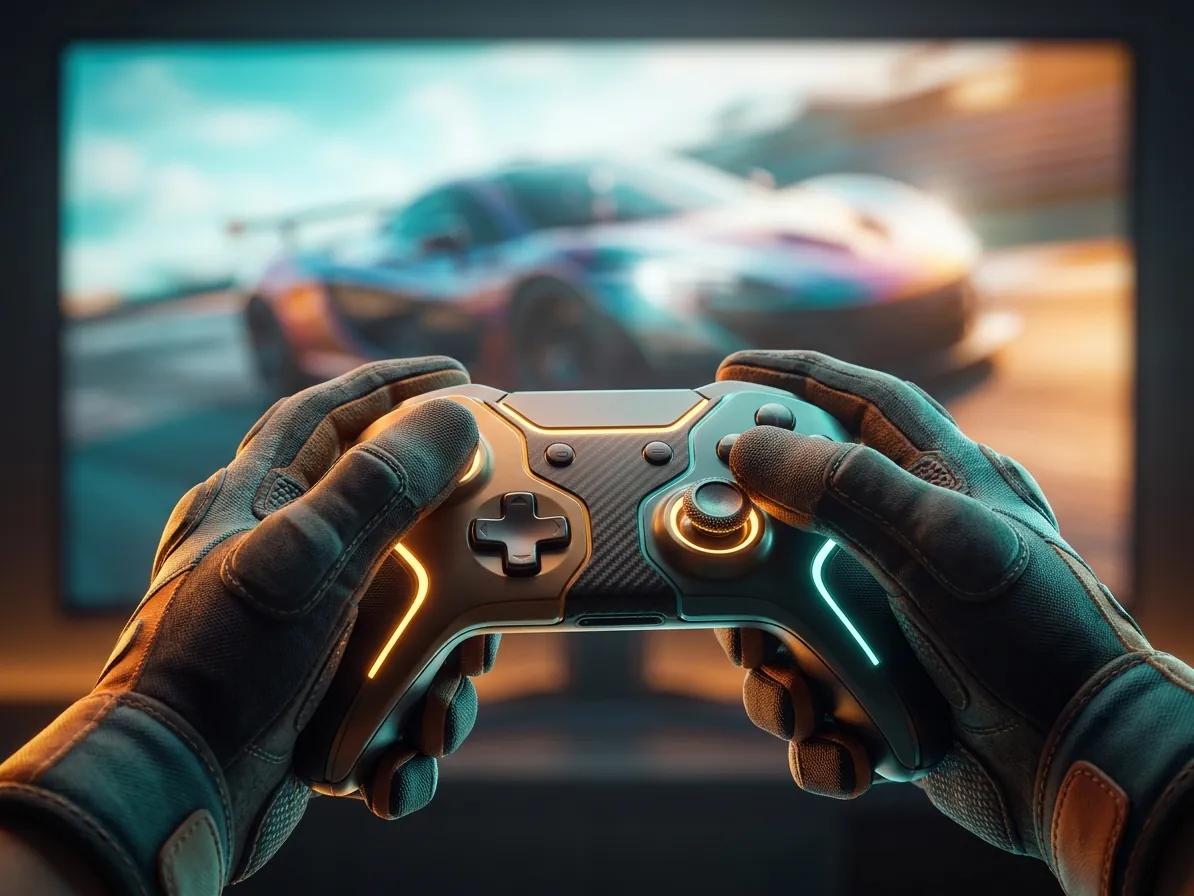
A thumbstick has a short range of motion compared with a real steering wheel, so small movements cause big steering changes. Many games offer steering sensitivity, linearity, and deadzone settings to help.
A deadzone is the area around the center of the stick where movement is ignored. Too large a deadzone can make steering feel delayed. Too small can make the car twitch at tiny thumb movements. Try reducing the inner deadzone a little at a time until the car responds smoothly without wandering. Triggers for throttle and brake can be adjusted in a similar way, which helps with gentle braking and smooth acceleration.
If you use a wheel, the first step is matching its rotation to the car you are driving. Many games handle this automatically, but it is worth checking. When rotation matches, the virtual steering wheel turns exactly as much as yours does, which feels natural.
Force feedback is the resistance and vibration the wheel provides. Stronger is not always better. Very high force feedback can hide fine details and make long sessions tiring. A moderate setting often lets you feel the tires approaching their grip limit while keeping your arms relaxed.
Whatever you use, comfort helps consistency. Sit so your arms are slightly bent and your shoulders relaxed. If you use pedals, keep your knees bent rather than fully stretched. Make sure your setup is stable, since a wheel or pedals that slide around make smooth inputs much harder.
Take regular breaks during long sessions. Stretch your hands, wrists, and shoulders, and rest your eyes. If you experience discomfort or pain, it is wise to stop and consult a qualified health professional.
Small changes that can help on any setup.
Helps controller players avoid sudden, jerky steering on corner entry.
A view that matches your screen size and distance can make judging speed and corners easier.
Calibrating wheels and pedals ensures the game reads your full range of movement.
Keeping separate settings for different cars or games saves time and keeps things consistent.
 Why virtual garages make us love real cars more
An opinion piece on how car simulators and virtual tuning spark curiosity about real cars and engineering, and how to enjoy that interest responsibly.
Read more
 Arcade vs. simulation: finding your driving style
A friendly explainer on what separates arcade racers from driving simulators, from physics and assists to tuning depth, so you can pick your style.
Read more
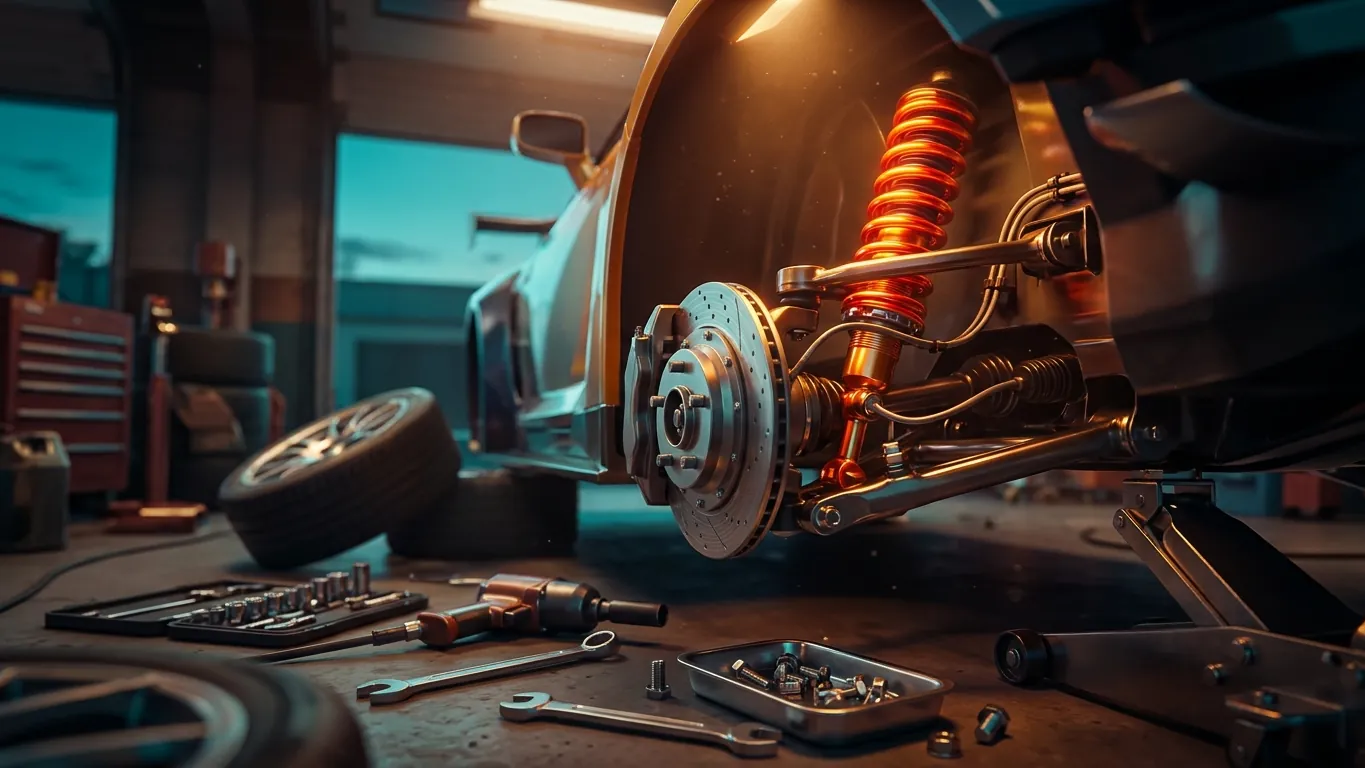 Suspension tuning basics for virtual drivers
Learn how springs, dampers, ride height, and anti-roll bars affect handling in driving games, with a simple routine for testing changes one at a time.
Read more